BeforeAfterAuto reveal · drag to inspect
01 / Skin & complexion
Refined skin. Recognizably you.
Mark your face and describe the edit. Clear blemishes and even the tone while keeping your features.
 Photelle
PHOTELLE · AI PHOTO RETOUCH
Mark the area and describe the edit. Photelle refines the details while keeping you recognizable.
BEFORE / AFTER · AUTOMATIC REVEAL
Skin and complexion first. Then see how a reference jacket changes only the outfit. Drag the divider for a closer look.
Mark your face and describe the edit. Clear blemishes and even the tone while keeping your features.
Upload a jacket photo as reference. Change the marked top, keeping your face and scene.
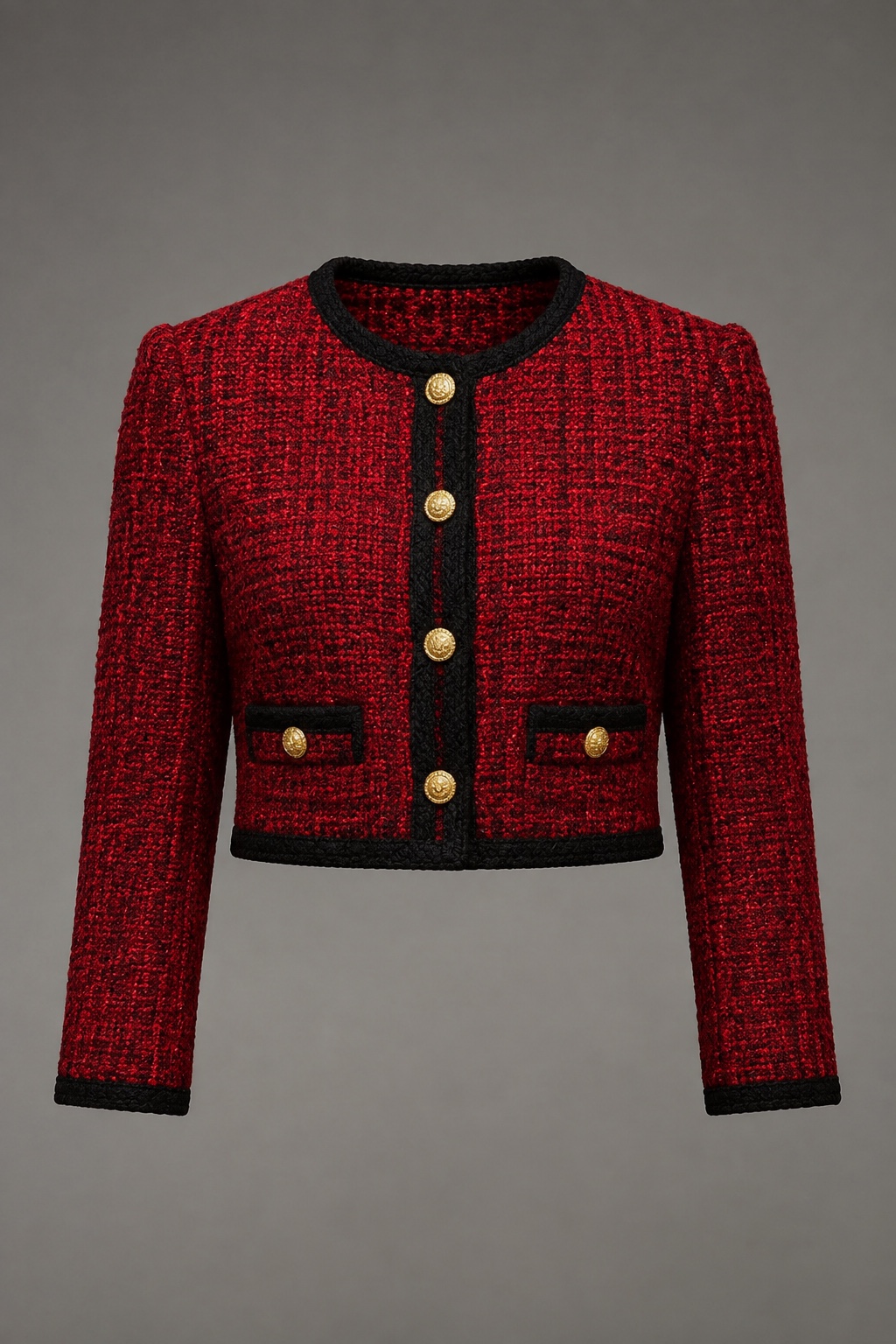 + Upload referenceKeep your face and background
Examples are illustrative. Results vary with the photo, marked area, and written request.
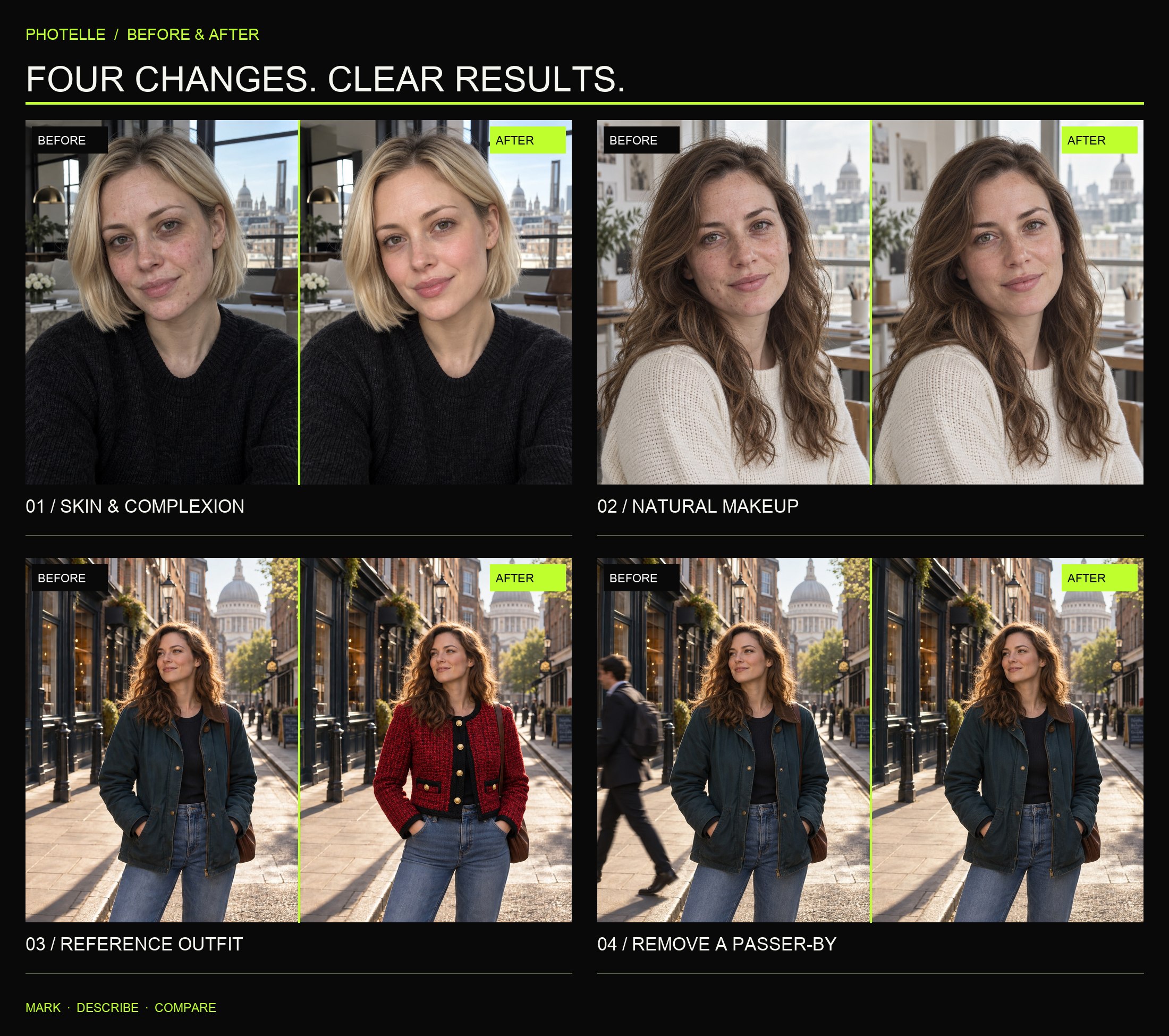
Open the full comparison board ↗
EASY ON THE FIRST TRY
Selfies, group shots, portraits, and travel photos.
Point to the area and say how natural it should look.
Inspect the details and save the complete result.
CHOOSE BY HOW OFTEN YOU EDIT
Final price, currency, and retouch count are shown in the app and on Apple’s purchase confirmation.
Weekly
Yearly
GOOD TO KNOW
Photelle prioritizes your marked areas and written request while preserving unspecified identity traits, facial relationships, and scene content. Generative AI can still make mistakes, so inspect every result before saving.
Photos are processed only to provide the retouching service you request. See the Privacy Policy for the applicable processing, storage, retention, and deletion practices.
You can choose common photo formats from the system library, including selfies, group shots, portraits, and travel photos. Clear, unobstructed originals usually produce more natural results.
Manage it in iPhone Settings → Apple Account → Subscriptions. Deleting your Photelle account does not automatically cancel an Apple subscription.